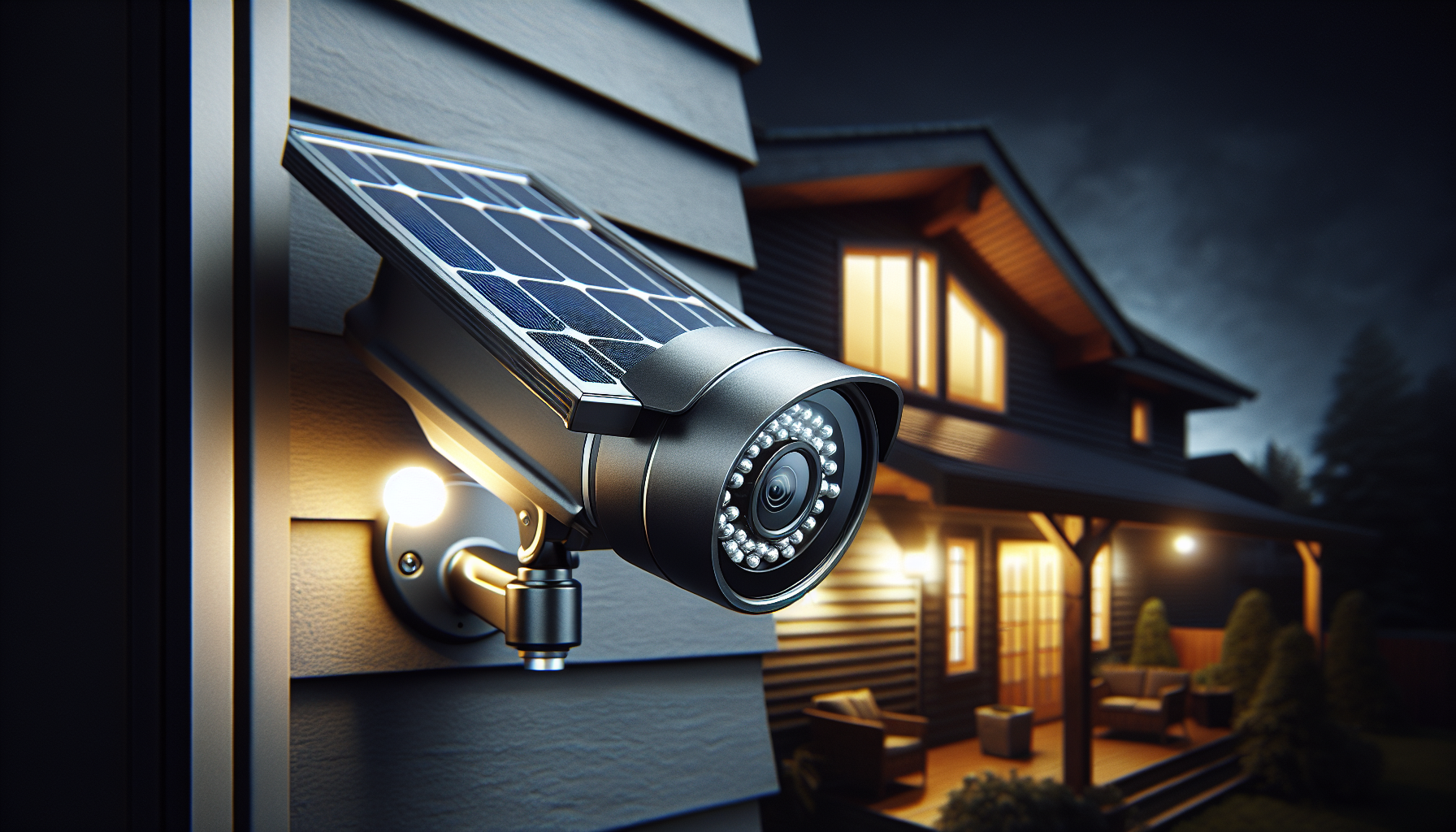
Last month, someone walked up my driveway at 2 AM.
I saw them on my Lorex DVR — four cameras, wired, installed years ago. They stood there for a minute, looked around, and left.
That moment stuck with me. Not because something happened. Because I *saw* it happen. And I realized: most people don’t have that visibility.
**Security cameras aren’t luxury anymore. They’re standard.** But the industry wants you to think they’re complicated.
—
## The Security Industry’s Dirty Secret
Walk into Best Buy. You’ll see camera systems starting at $400. Then there’s the installation. Then the monitoring fees. Then the cloud storage subscriptions.
By year two, you’ve dropped $1,000+ on something that costs $200 to build yourself.
Here’s what they don’t tell you:
– **Solar panels** power wireless cameras indefinitely — no outlet needed
– **Local storage** (SD cards) is free — cloud is a recurring cost
– **Motion alerts** come standard on $40 cameras — you don’t need a $50/month plan
– **Night vision** is expected — it’s not a premium feature
The markup is insane. And the complexity? Manufactured.
—
## What I Did Differently
I skipped the contracts. The technicians. The monthly fees.
I built a 4-camera system for **under $200** that:
✅ Records 24/7 to local storage
✅ Sends motion alerts to my phone (free)
✅ Runs on solar — zero electricity cost
✅ Has night vision, two-way audio, and app control
✅ Took me 30 minutes to install
No drilling. No running cables. No electrician.
And before you ask — yes, I documented everything. 26 chapters. 113 illustrations. Every step, every mistake, every “why didn’t I think of that” moment.
—
## Why I Wrote the Guide
Because I got tired of watching people get ripped off.
Security companies prey on fear. They sell you “protection” wrapped in contracts and monitoring fees. They make DIY sound dangerous.
**DIY isn’t dangerous. Ignorance is.**
When you understand how these systems work — where the cameras go, how motion detection actually functions, what legal rights you have — you stop being a target.
The guide covers:
– **Camera selection** — what specs matter, what’s marketing fluff
– **Placement strategy** — where to position for maximum coverage
– **Solar power setup** — sizing panels, batteries, and placement
– **Storage options** — local vs cloud, SD card specs, retention time
– **Legal considerations** — recording laws, neighbor privacy, evidence collection
– **Troubleshooting** — when things don’t work, why, and how to fix them
And yes, it’s a PDF. Instant download. No DRM. No account required.
—
## The Math
Let’s break it down:
| Item | Cost |
|——|——|
| 4x Solar Security Cameras | ~$160 |
| SD Cards (64GB each) | ~$20 |
| Mounting hardware | ~$10 |
| **Total** | **~$190** |
Compare to:
| Traditional System | Cost |
|———————|——|
| 4-camera kit | $400+ |
| Professional installation | $200-500 |
| Monitoring (2 years) | $720 ($30/mo) |
| Cloud storage (2 years) | $240+ |
| **Total** | **$1,560+** |
Same coverage. Same alerts. Same footage. **Eight times cheaper.**
—
## This Isn’t for Everyone
If you want someone else to handle everything — the setup, the maintenance, the 3 AM tech support — pay the premium. That’s a valid choice.
But if you’re comfortable with a screwdriver and an app, DIY is the way.
26 chapters. 113 illustrations. Everything I learned in one place.
Because nobody should have to pay a premium just to see who’s walking up their driveway at 2 AM.
—